

















W138 on your phone: the app, the clients and how to install them
Three ways to play on a phone
You do not need an app to use W138 on a phone. The mobile site has the same lobbies, wallet and promotions. The app is a convenience: it opens straight to the lobby and keeps you logged in. A few products, such as Mega888 and the Playtech live client, only work through their own downloads.
| Option | What you get | Login |
|---|---|---|
| Mobile website | All lobbies in the browser, nothing to install | W138 username |
| W138 lite app (Android / iOS) | Same lobby as an app icon, faster start-up | W138 username |
| Product clients | Playtech live, Joker, Mega888, AB and DG halls | Club login shown on the Mobile page |
Installing on Android
- On the official W138 site, open the Download section and tap W138 Android App, or scan the green Android QR code with your camera.
- When Android asks, allow your browser to install unknown apps for this download only.
- Open w138lite.apk from your downloads and tap Install.
- Launch W138 and log in with your usual username and password.
- Go back to Settings and remove the unknown-apps permission from your browser.
Google Play does not list real-money casino apps for Malaysia, so every casino APK triggers a warning. That is normal. What matters is where the file came from: only use the link on the official site.
Installing on iPhone and iPad
- Open the W138 IOS App link in Safari (not Chrome) or scan the Apple QR code.
- Tap Allow when Safari asks to download a configuration profile.
- Open Settings, tap Profile Downloaded near the top, then Install, and enter your passcode.
- The W138 icon appears on your home screen. Open it and log in.
The iOS lite app is a web clip profile: it adds an icon that opens the W138 site in a full-screen window. You can remove it at any time from Settings → General → VPN & Device Management.
Product clients and club logins
The desktop Mobile page has tabs for PT Hall, Joker (Games), AB Hall and DG Hall. Each tab has a QR code or download link and an Your access information box. That box only shows the club username and password while you are logged in to W138.
- PT Hall: a Windows PC client and an Android app for Playtech live casino.
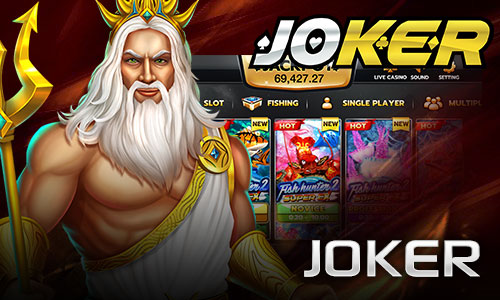
- Joker: Android download for Joker slots and fishing.
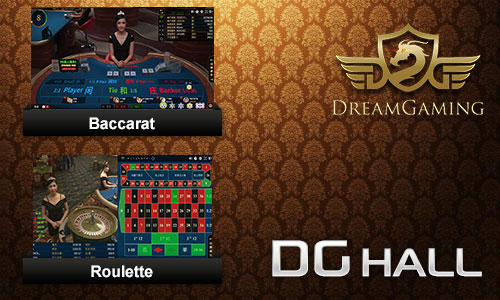
- AB and DG Halls: mobile clients for the Allbet and Dream Gaming live studios.
- Mega888: covered step by step on the games page.
Club passwords are separate from your W138 password. If a client says the login is wrong, check you copied the club details, not your main login, and ask live chat to reset them if needed.
When the app will not open
- "App not installed" on Android: remove any older W138 app first, then install again.
- Blank screen: switch between Wi-Fi and mobile data. Some networks block casino domains, and support can send a current link.
- iOS profile will not install: make sure you used Safari and that Screen Time content restrictions are not blocking profiles.
- Games lag: close other apps and avoid battery-saver mode during live dealer sessions.